Frequently Asked Questions
How to Install the APK on Your Android Phone
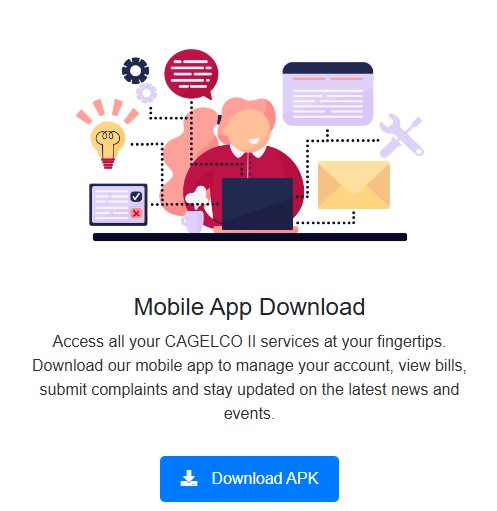
Step 1: Download the APK file by clicking the "Download APK" button above.

Step 2: Open the downloaded APK file from your notification bar or file manager to start the installation.
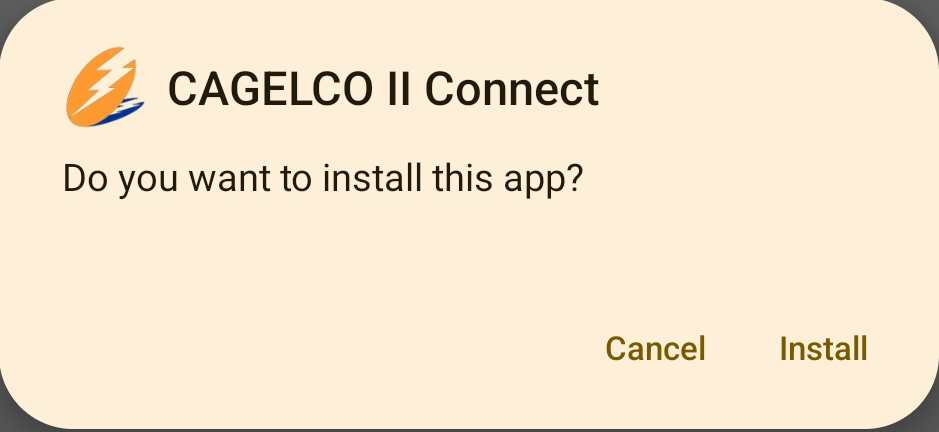
Step 3: Click Install to begin the installation process. Once the installation is complete, you can open the app and start using it!
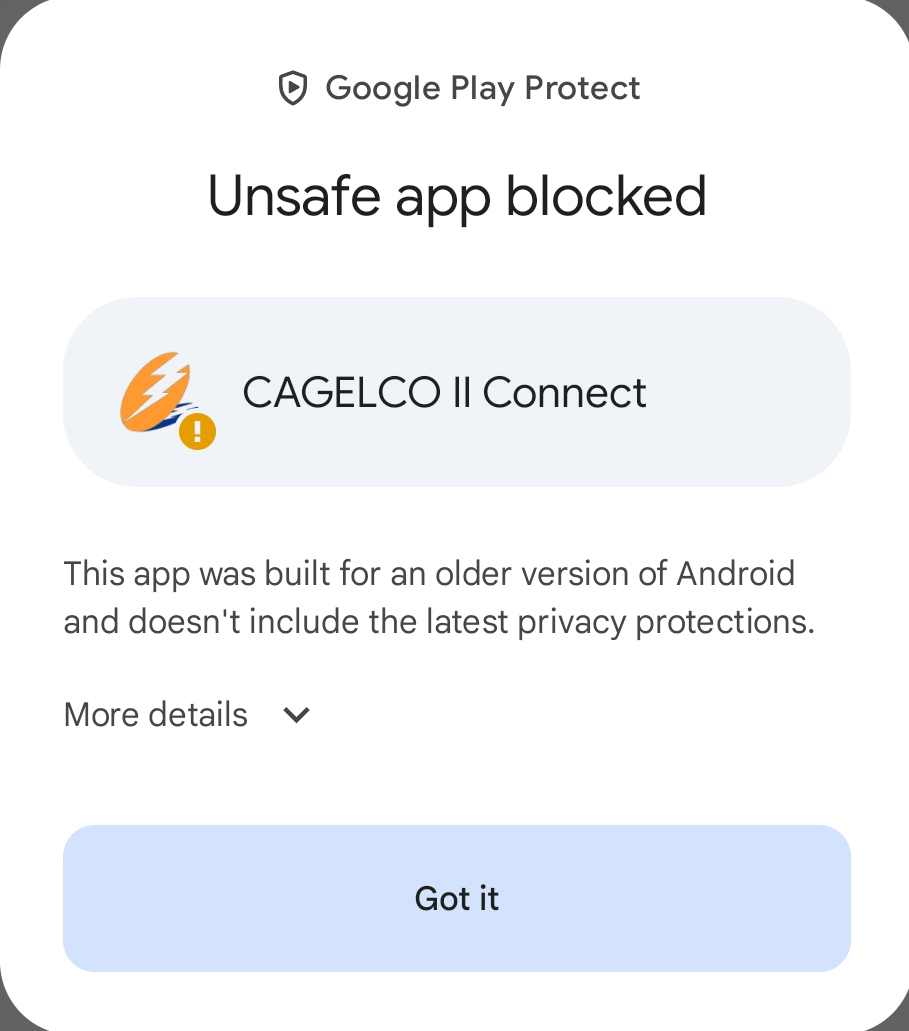
Step 4: If you see a message that says "Google Play Protect blocked this app", don't worry! Just tap on More details and then tap Install anyway to continue.
Follow these steps to file a complaint or service memo:
- Login to your account: Enter your credentials to access your account.
- Tap on the Complaints menu: Navigate to the Complaints section from the bottom navigation bar.
- Tap on the Add Complaint button: Click the orange "Add Complaint" button.
- Fill in the required fields:
- Contact Number
- Nature of Complaint
- Location Information (Make sure to pinpoint the marker for the exact location of your house)
- Track the status: You can monitor the progress and status of your complaints in the list of complaints.
You cannot pay through this app currently. However, you can pay through GCash by following these steps:
- Open the GCash app.
- Navigate to Pay Bills > Electric Utilities > CAGELCO II.
- Input the required information (e.g., Account Number, Amount to Pay).
Payments are not reflected instantly in our system. Please allow the following timeframes for payment posting:
- Payments made at our offices: 2–3 business days
- Payments made through partners (e.g., ECPay): 5–7 business days
If your payment has not been posted after the expected period, kindly contact us for assistance.
Note: You cannot pay bills directly through this app. However, you can pay through GCash by following these steps:
- Open the GCash app.
- Navigate to Pay Bills > Electric Utilities > CAGELCO II.
- Enter the required information (e.g., Account Number, Amount to Pay).