
Mobile App Download
Access all your CAGELCO II services at your fingertips. Download our mobile app to manage your account, view bills, submit complaints and stay updated on the latest news and events.
Download APK (Not yet available)How to Install the APK on Your Android Phone
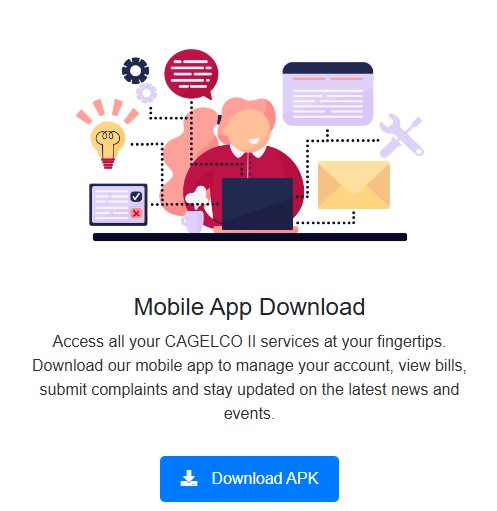
Step 1: Download the APK file by clicking the "Download APK" button above.

Step 2: Open the downloaded APK file from your notification bar or file manager to start the installation.
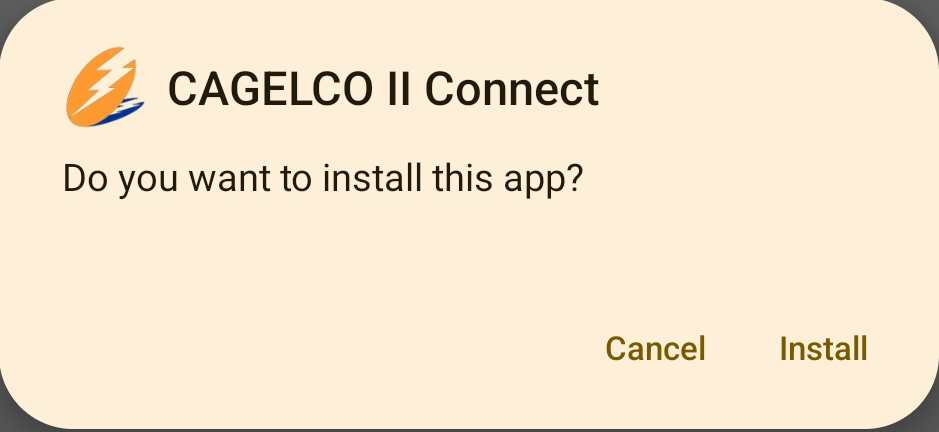
Step 3: Click Install to begin the installation process. Once the installation is complete, you can open the app and start using it!
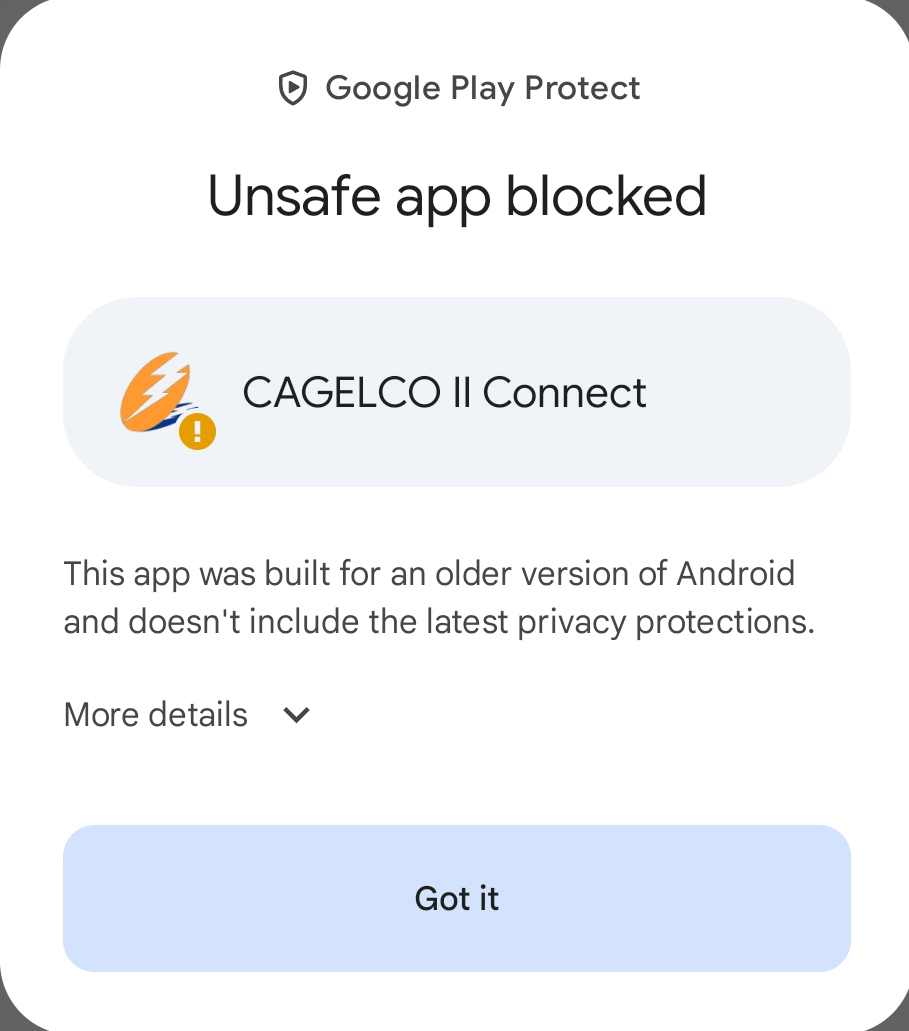
Step 4: If you see a message that says "Google Play Protect blocked this app", don't worry! Just tap on More details and then tap Install anyway to continue.
Note: If you face any issues while installing the APK, ensure that you have enabled installation from unknown sources and that there is sufficient storage space on your device.